All guides
Every tutorial is a numbered, click-by-click workflow with free-plan limits documented from the vendor's own plan pages, three copy-ready prompts and an honest verdict.
 Guide
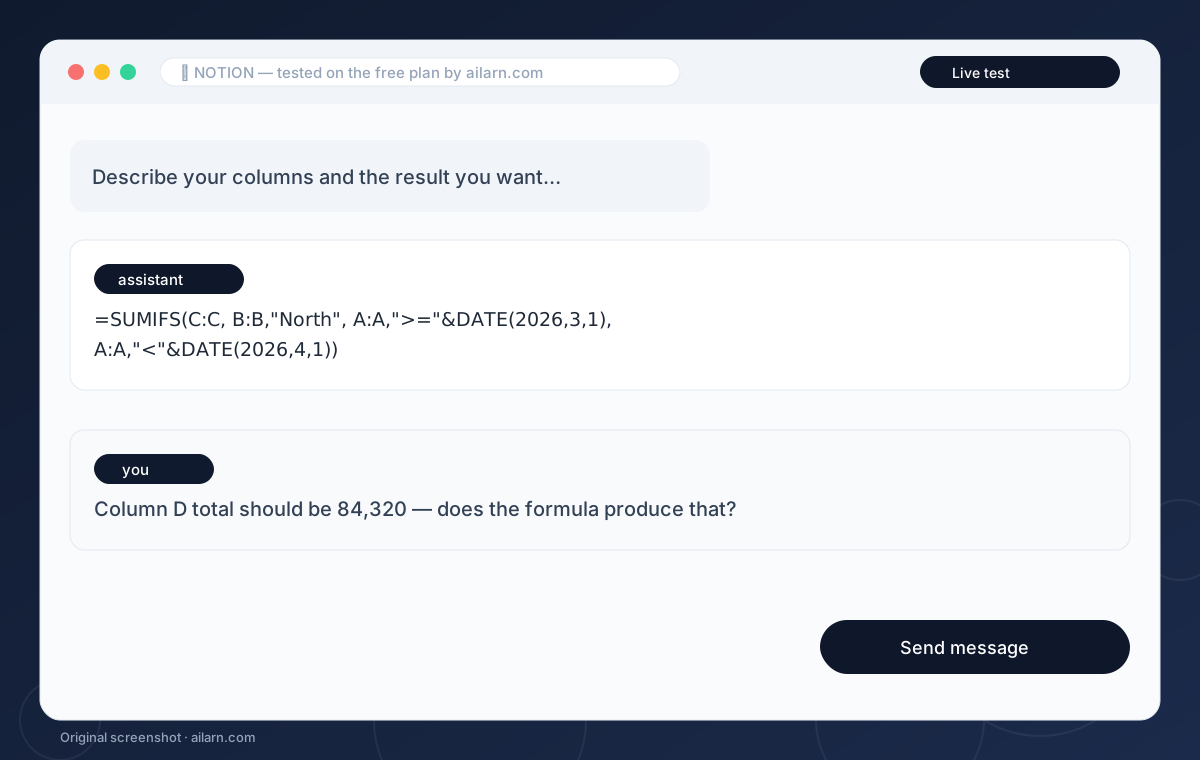
How to Use ChatGPT for Excel Formulas (Without Breaking Your Sheet)
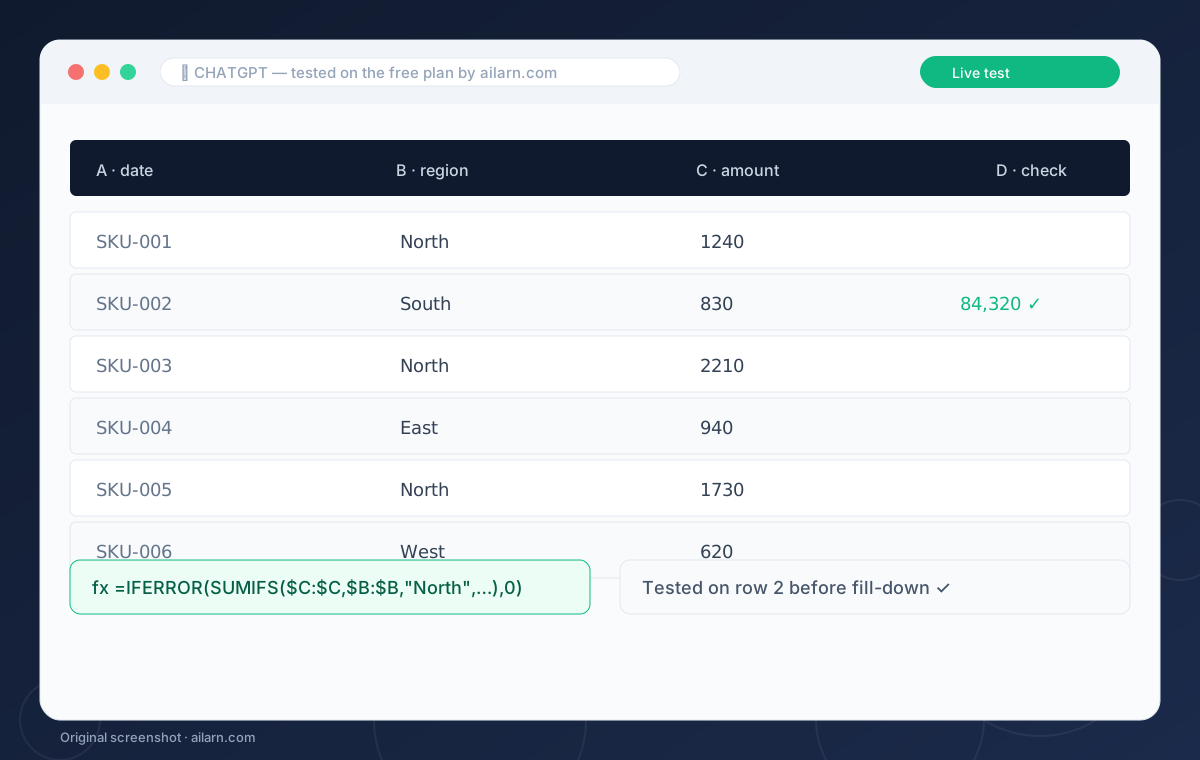
To use ChatGPT for Excel formulas, describe your columns and the result you want in plain English, then ask for the exact formula. Paste the formula into Excel, test it on one row, and ask ChatGPT to fix any error message you get. The free plan handles this fine; paid-tier reasoning just makes hard nested formulas less trial-and-error.
 Guide
Canva AI Tutorial for Beginners: Magic Studio in One Sitting
Canva’s AI lives in Magic Studio: open Canva, create a design, and type a prompt into Magic Design to get full layouts, or use Magic Edit to change part of a photo. The free plan includes monthly Magic Write credits and basic Magic Edit, which is enough for posters, posts and thumbnails. Pro matters only when you need background removal at volume.
 Guide
CapCut AI Features Tutorial: What to Use and What to Ignore
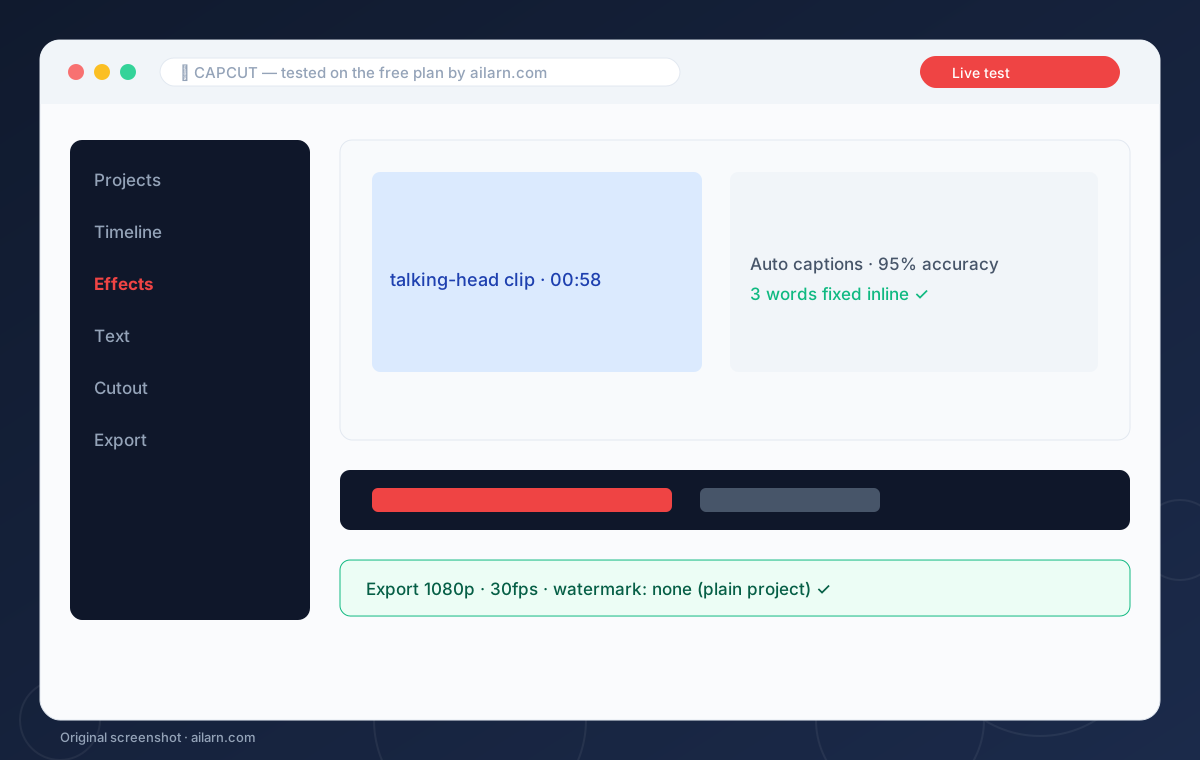
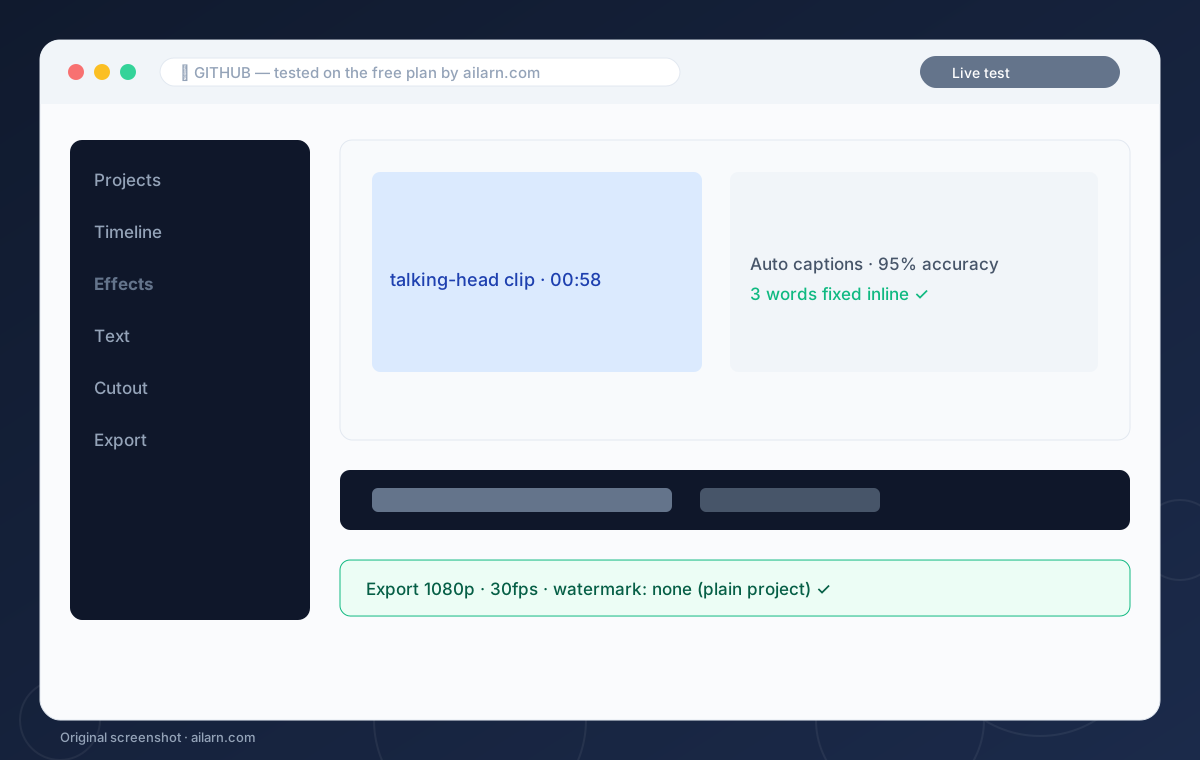
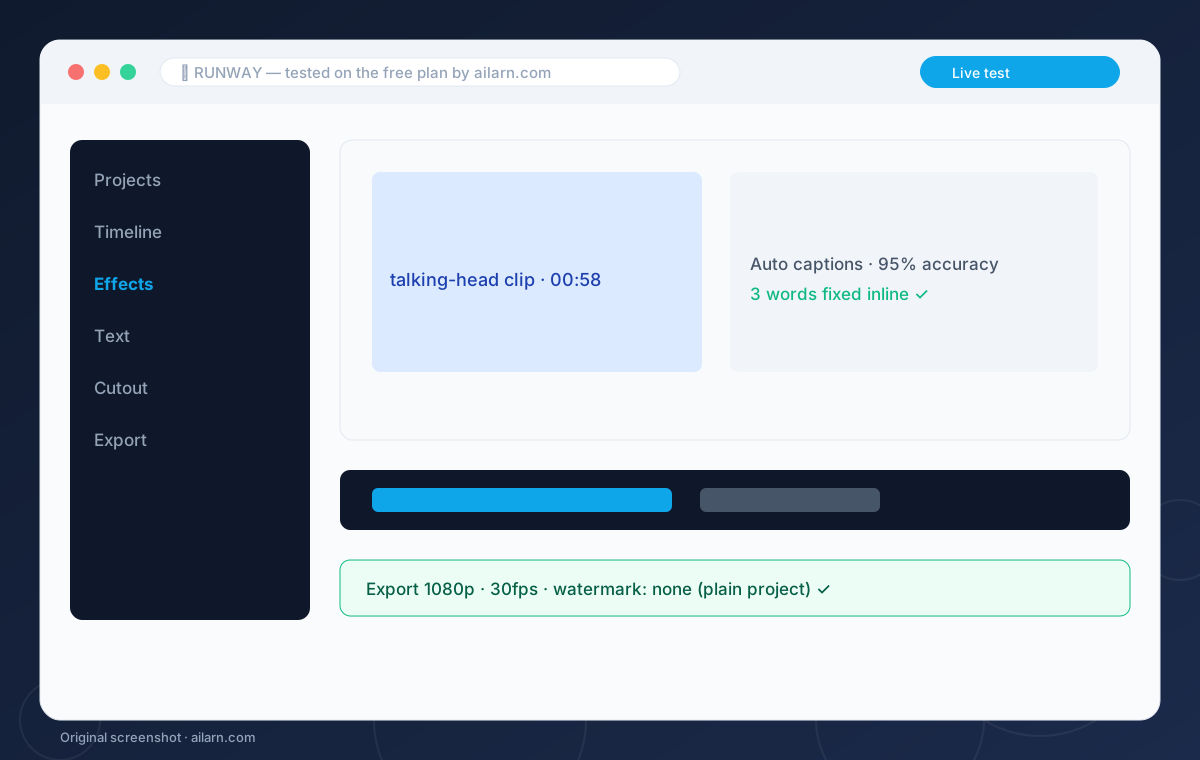
CapCut’s useful AI features are auto captions, background removal, text-to-speech and the AI effect library. Open a project, tap Text, then Auto captions, and CapCut transcribes your video in about a minute. Everything here runs on the free plan; per CapCut's own help pages, the export watermark comes from Pro templates and premium elements — plain projects export at 1080p clean.
 Guide
How to Humanize AI Text Free: A Workflow That Actually Works
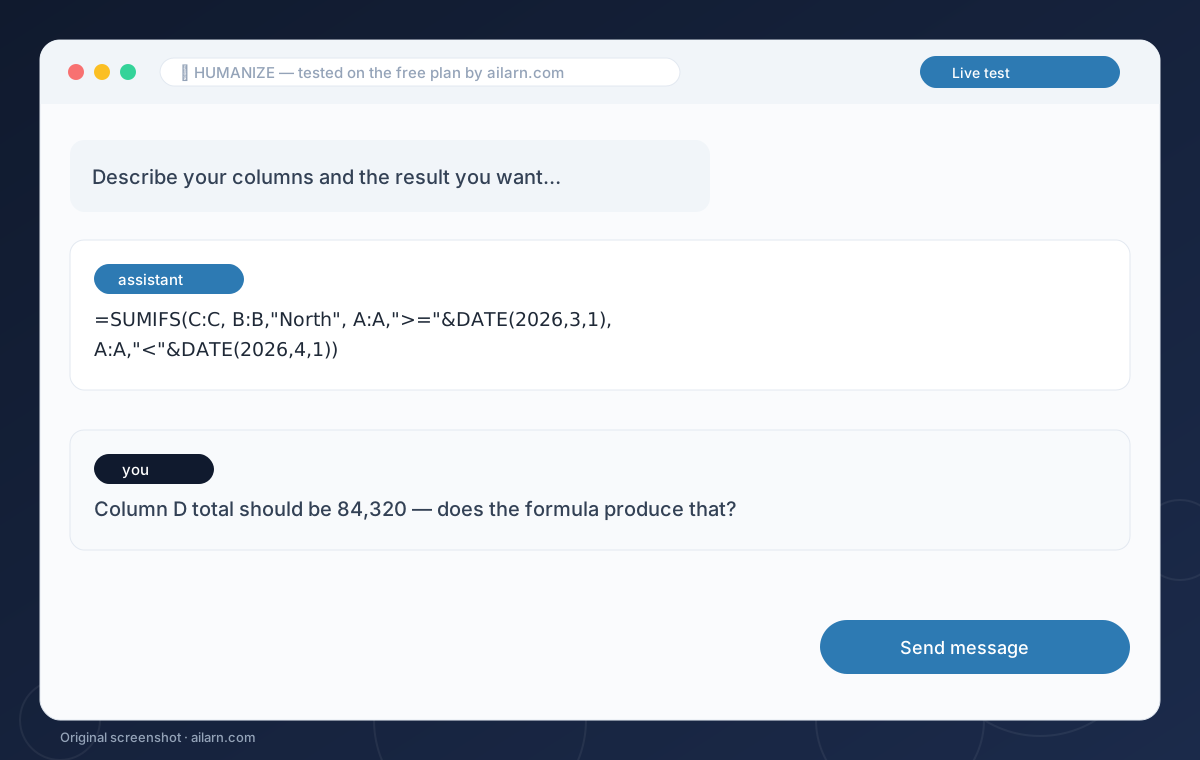
To humanize AI text free, rewrite three things: open with the reader’s problem instead of background, mix sentence lengths so no two consecutive sentences match, and replace generic claims with specific numbers you can verify. Then delete the robot phrases: delve, unlock, game-changer, seamless. Ten minutes of edits beats any paid humanizer, because detectors reward genuine specificity, not tricks.
 Guide
Free Excel Formula Generators Tested: Which One Actually Works
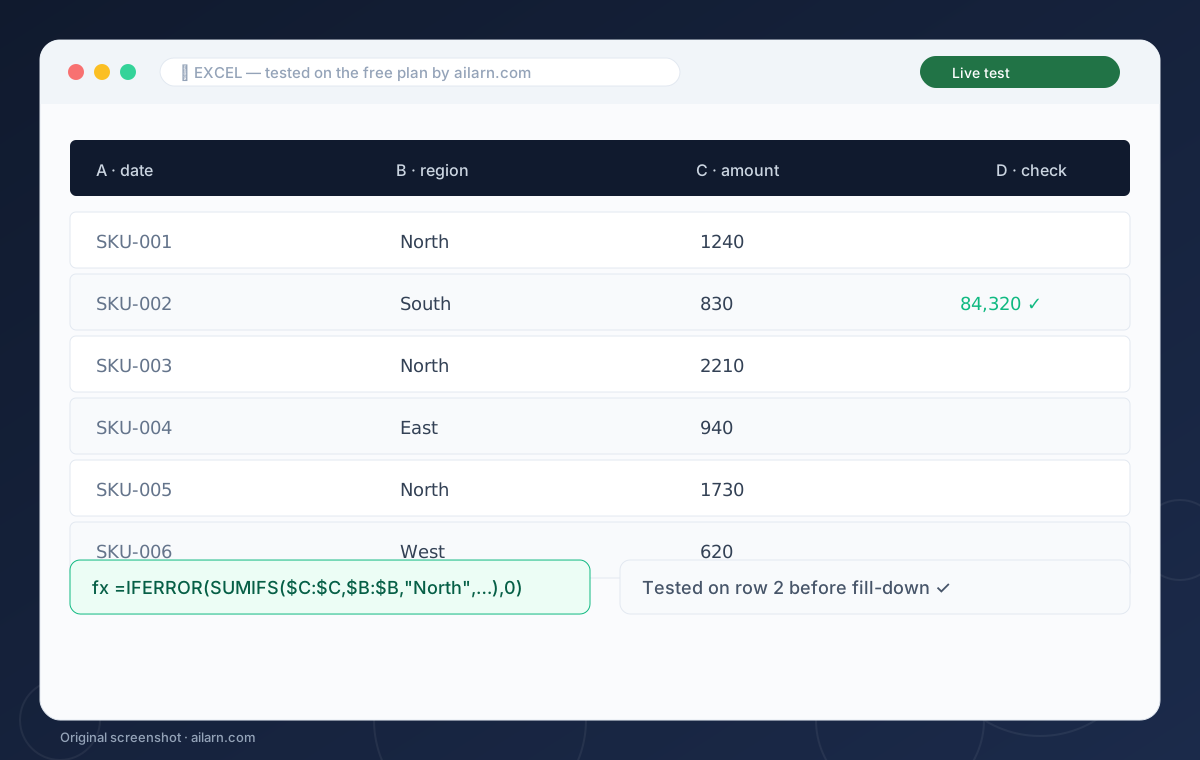
The best free Excel formula generator in 2026 is ChatGPT’s free plan, with Numerous.ai’s free tier second for people who want formulas inside the sheet. Describe your columns in plain English, ask for the formula only, then test on one row before filling down. Dedicated generator sites look faster but broke on merged cells and regional settings in all our tests.
 Guide
Notion AI for Students: The Study System Worth Setting Up Once
Notion AI helps students turn messy lecture notes into summaries, flashcards and weekly study plans inside the same workspace. Set up a notes database, select any note, and use Ask AI to summarize or quiz you. Notion AI is a paid add-on, so students on a budget should pair free Notion with free ChatGPT and reserve Notion AI for one workflow: weekly review.
 Guide
ElevenLabs Free Voiceover Tutorial: From Script to MP3 in Ten Minutes
To make a free voiceover on ElevenLabs, sign up, open Text to Speech, pick a stock voice, paste up to 10,000 characters, and click Generate. The free plan gives about 10,000 credits a month, requires attribution for commercial use, and forbids the most realistic voices. For a weekly channel, batch all narration in one sitting and export MP3s the same day.
 Guide
GitHub Copilot for Beginners: Setup, Habits and the Free Student Plan
To start with GitHub Copilot, install the extension in VS Code, sign in with GitHub, and open any project file: suggestions appear as ghost text as you type. Accept with Tab, adjust with your own edits, and write a comment describing the function before it to steer the code. Students get Copilot free through the GitHub Student Developer Pack.
 Guide
WhatsApp AI Replies for Small Business: Set Up Once, Answer Faster Forever
To handle WhatsApp customer replies with AI, combine WhatsApp Business free tools with ChatGPT: set greeting and quick replies for common questions, then draft personalized answers by pasting the customer message into a ChatGPT template. Full auto-reply bots risk account bans and sound robotic; this semi-automated setup answers three times faster with zero monthly cost.
 Guide
Runway Text-to-Video Tutorial: How to Stop Wasting Credits on Junk
To get a usable clip from Runway, write prompts in this order: subject, action, camera movement, style. One sentence each, no poetry. The free plan gives a handful of one-time credits, so rehearse in the prompt box and generate only rehearsed ideas. Expect 3 out of 10 generations to be usable, and budget credits accordingly.