Chatbots guides
2 step-by-step guides · kept updated as tools change
Chatbots are the front door to AI, and most people walk through it without a map. ChatGPT, Gemini, Claude and Perplexity all look the same in a screenshot and behave very differently in your hands. The difference between a useless answer and a great one is usually not the model, it is the way you ask, and the small settings nobody tells you about: custom instructions, web search toggles, and which plan you actually need. These tutorials teach the click-by-click basics and then go one level deeper with copy-ready prompts for Excel, studying, research and business work. We keep verdicts honest about free versus paid, because most people do not need the upgrade yet and nobody else will tell you that. Every guide ends with an FAQ block that answers the questions beginners actually type.
 Guide
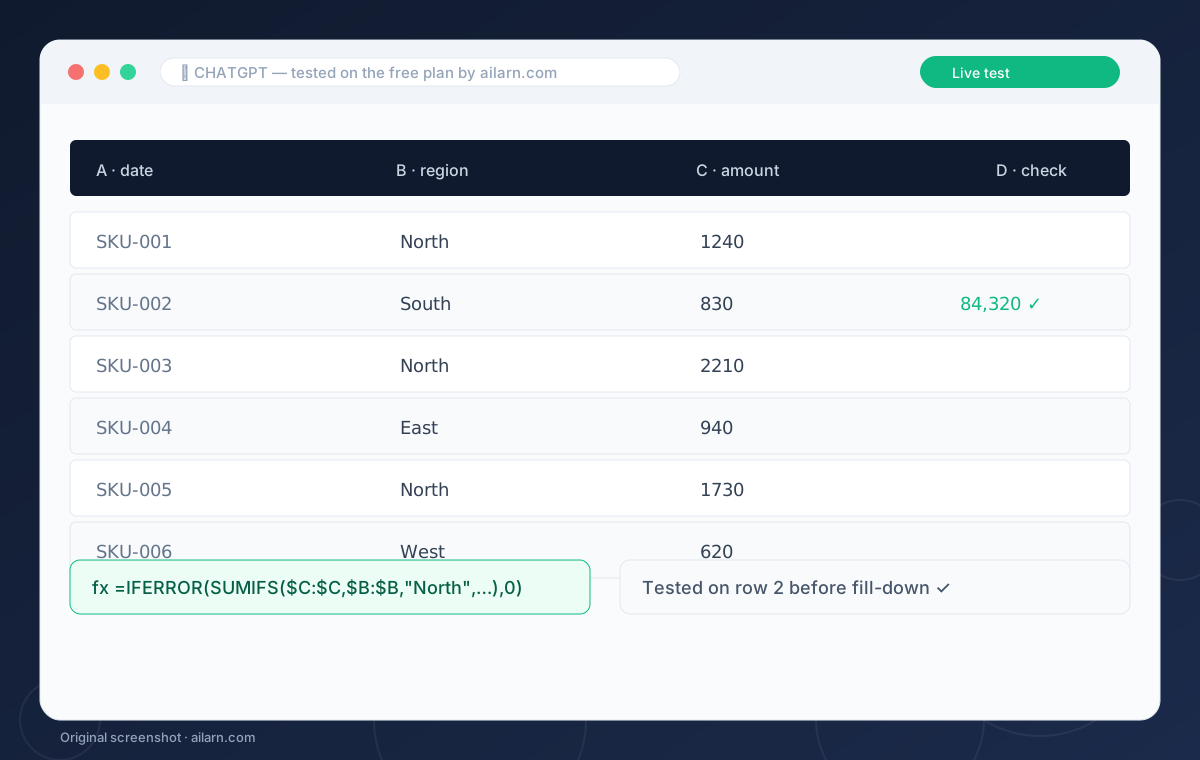
How to Use ChatGPT for Excel Formulas (Without Breaking Your Sheet)
To use ChatGPT for Excel formulas, describe your columns and the result you want in plain English, then ask for the exact formula. Paste the formula into Excel, test it on one row, and ask ChatGPT to fix any error message you get. The free plan handles this fine; paid-tier reasoning just makes hard nested formulas less trial-and-error.
 Comparison
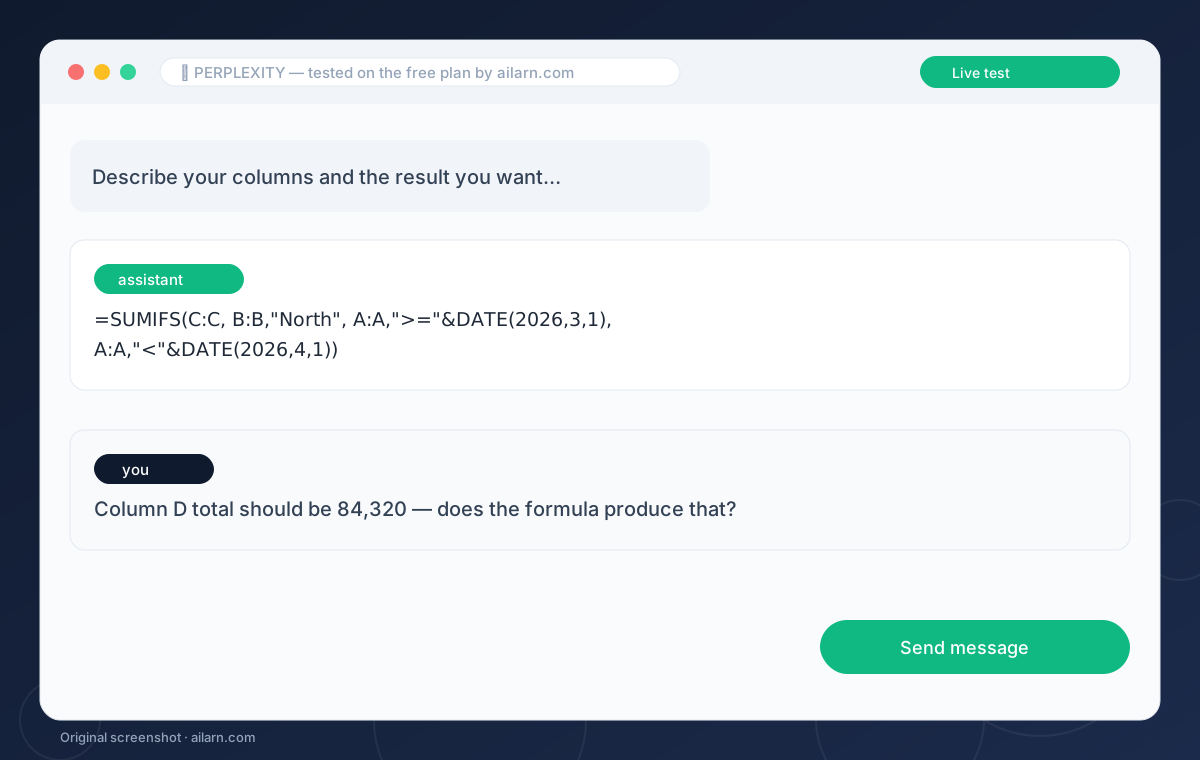
Perplexity vs ChatGPT Search: The Research Comparison With a Winner
Perplexity wins research: it searches more sources, cites them inline, and its answers read like a briefing. ChatGPT search wins convenience: one app for writing, analysis and web answers, with decent citations now. For factual research where you must verify, use Perplexity; for mixed work sessions, ChatGPT is the one tab you keep open.