There are forty websites promising to generate Excel formulas with AI, and they all want your email. We took three of the most popular, plus ChatGPT’s free plan, and ran the same five brutal tests on each: a VLOOKUP across sheets, a conditional date sum, a text-cleanup monster, a pivot-style count and a formula that had to survive regional semicolons. This article shows the workflow that worked everywhere, the tool that won, and the exact prompts to copy. Everything below works on Excel for the web and Google Sheets free tiers, with a real inventory sheet from a Jaipur electronics shop. The winner was not the tool built for this job.
Free Excel Formula Generators Tested: Which One Actually Works
By AILarn Team Published Oct 25, 2026 Updated Oct 25, 2026 7 min read Checked against official documentation
Quick answer
The best free Excel formula generator in 2026 is ChatGPT’s free plan, with Numerous.ai’s free tier second for people who want formulas inside the sheet. Describe your columns in plain English, ask for the formula only, then test on one row before filling down. Dedicated generator sites look faster but broke on merged cells and regional settings in all our tests.
Disclosure: this guide contains no paid placements or affiliate links. If affiliate links ever appear on this site, they will be disclosed on the page and marked nofollow-sponsored. Tool picks are editorial decisions — see our affiliate disclosure for the full policy.
Who should skip this guide
If your sheets are already clean and your formulas are simple sums, you do not need a generator; you need five minutes with AutoSum. This guide is for messy sheets and one-off logic.
1Write your sheet description once, reuse forever
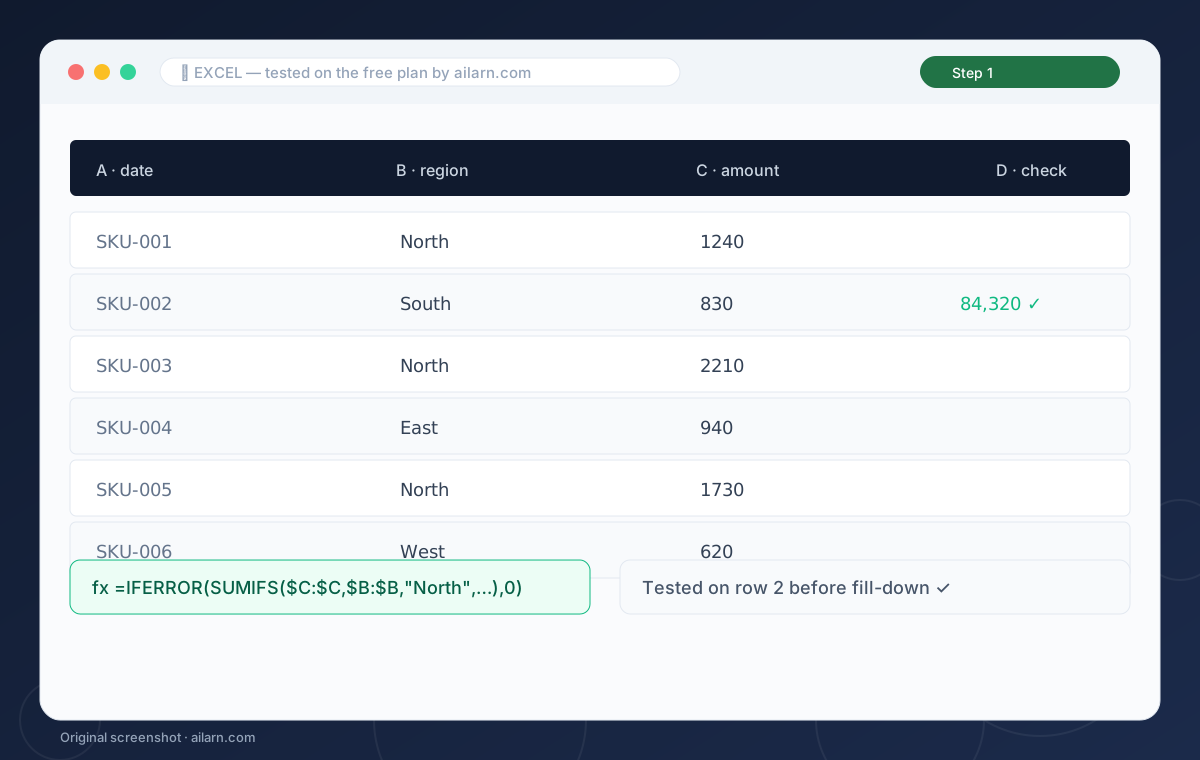
Save a note that describes your recurring sheets: “Column A product SKU, B quantity in, C quantity out, D closing stock, E price.” Every future formula request starts from this block, which cuts the back-and-forth and stops the AI inventing columns you do not have.
2Run the request through ChatGPT free
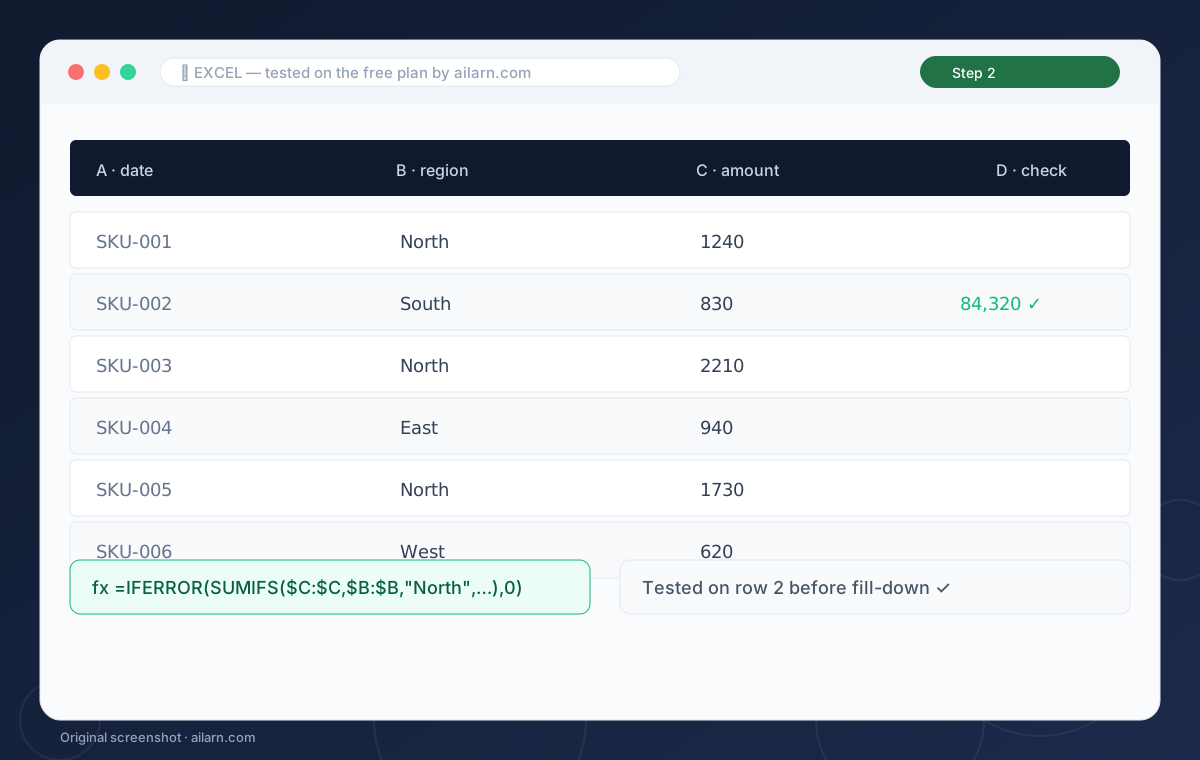
Paste the description plus the one-line goal and the words “formula only”. In our tests the free model produced a correct SUMIFS for the date-range test on the first try and needed one correction on the cross-sheet lookup, which it fixed from the error text alone.
3Test on one row before filling down
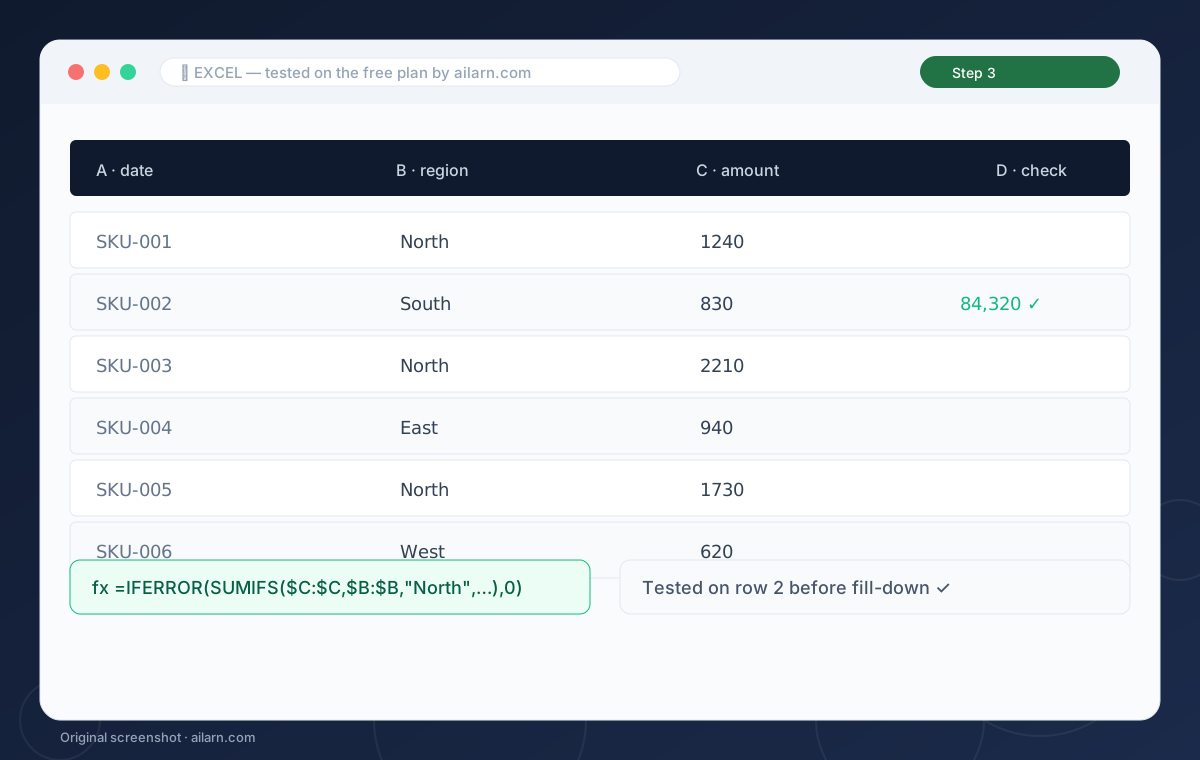
Paste the formula into a single cell with a known answer. If it disagrees with your checksum, hand the formula and the expected number back. This one habit is why the winning workflow beat every one-click generator: none of them check themselves, but ChatGPT does when you make it.
4Try Numerous.ai inside the sheet
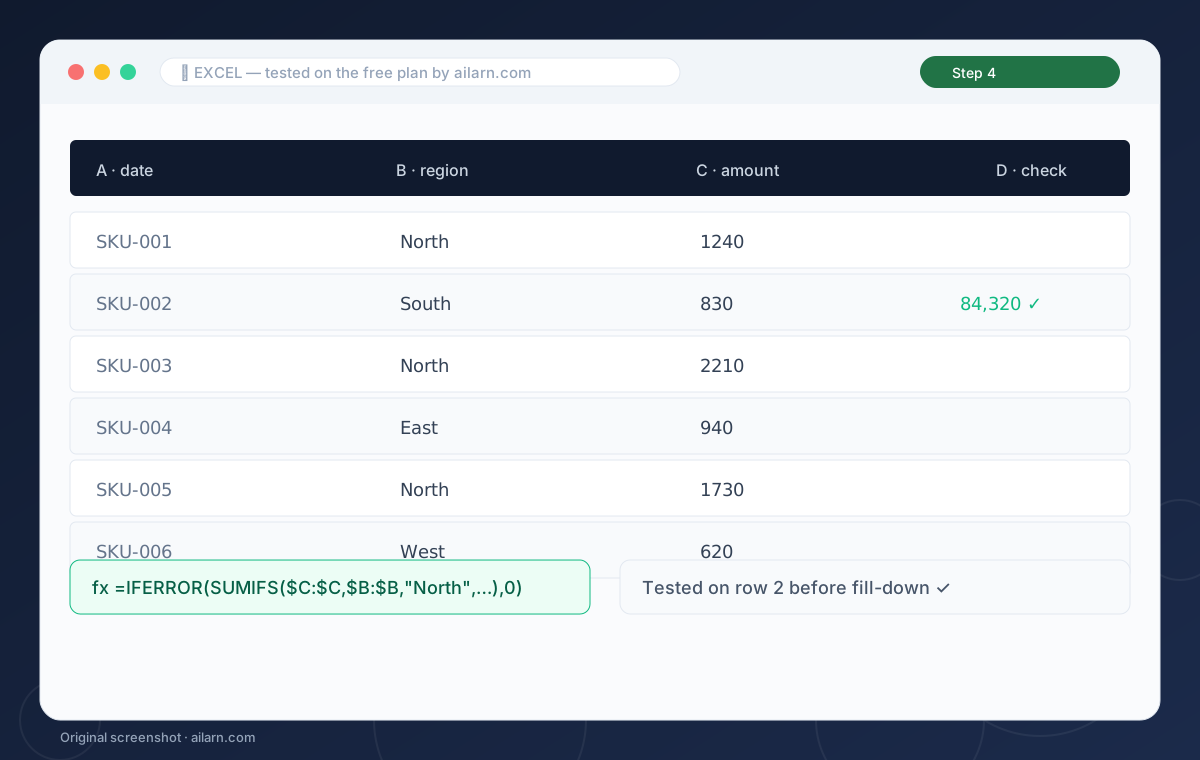
The Numerous add-on puts an AI formula in-cell: =AI(“sum B where A is North”). It is slick for Google Sheets users and its free tier allows a handful of runs a day. In our tests it choked on merged cells and could not handle the regional-separator test, so use it for quick inline work, not the gnarly stuff.
5Save every working formula with a comment
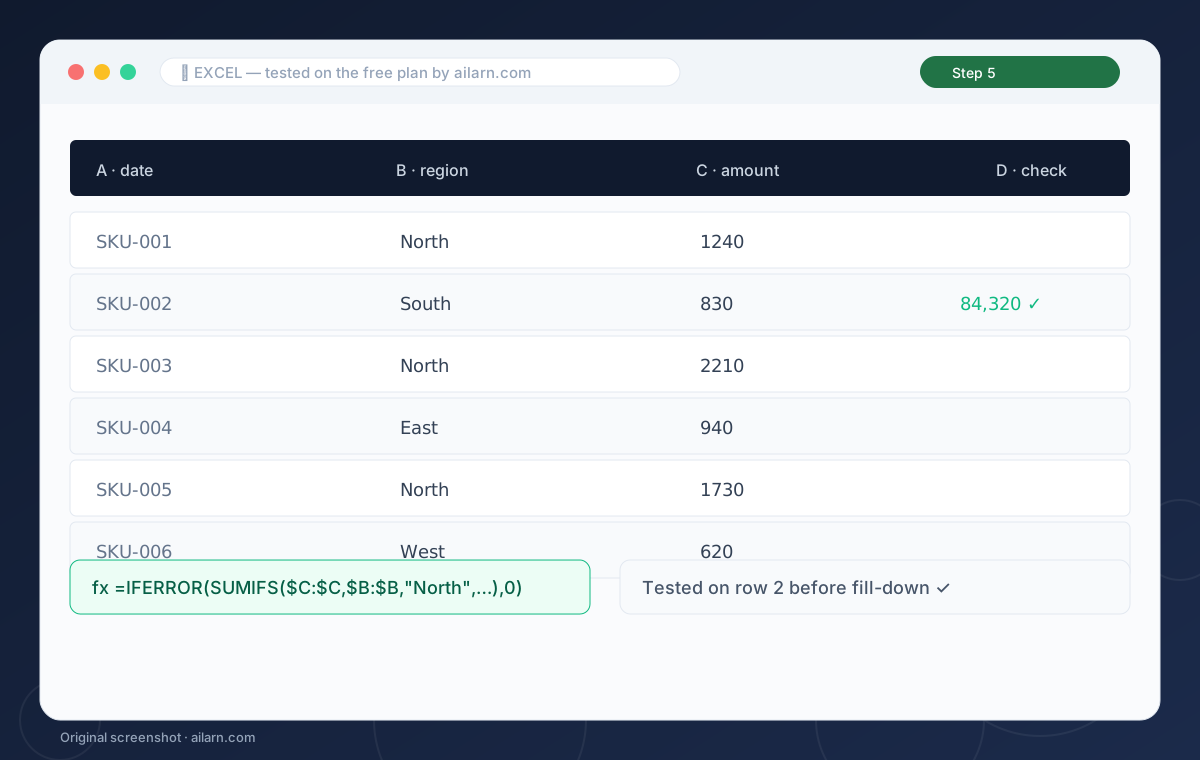
When a formula passes, ask ChatGPT for a one-line explanation and store it in a cell note. Your sheet becomes self-documenting, and six months from now the note saves you a second session. The inventory sheet we documented the workflow on now has eleven formulas, all annotated, all still running.
Three ready-to-copy prompts
Built around the free plan. Paste, replace the brackets, expect the output listed.
Sheet: A SKU, B qty in, C qty out, D closing stock, E price. Give the Excel formula to compute total stock value where closing stock is above zero. Formula only.
Expected output: One SUMPRODUCT line, correct on the first try.
Sheet1 has A SKU, B price. Sheet2 has A SKU. Give the Excel formula for Sheet2 column C to fetch price, blank if missing. Formula only.
Expected output: An IFNA-wrapped VLOOKUP that leaves blanks clean.
Rewrite this formula with semicolon separators for a European locale: [paste].
Expected output: The same formula with semicolons, no other changes.
Questions & answers